30 kg vs 50 kg Palletizing Robots: CR Workstation Selection
The CR range has two separate choices: 30 kg or 50 kg nominal payload, and a fixed-base or lifting workstation. Choose the payload class and the vertical arrangement independently, then check them together against the real palletizing task.
SCR Robot · Based on the 2026 product catalog
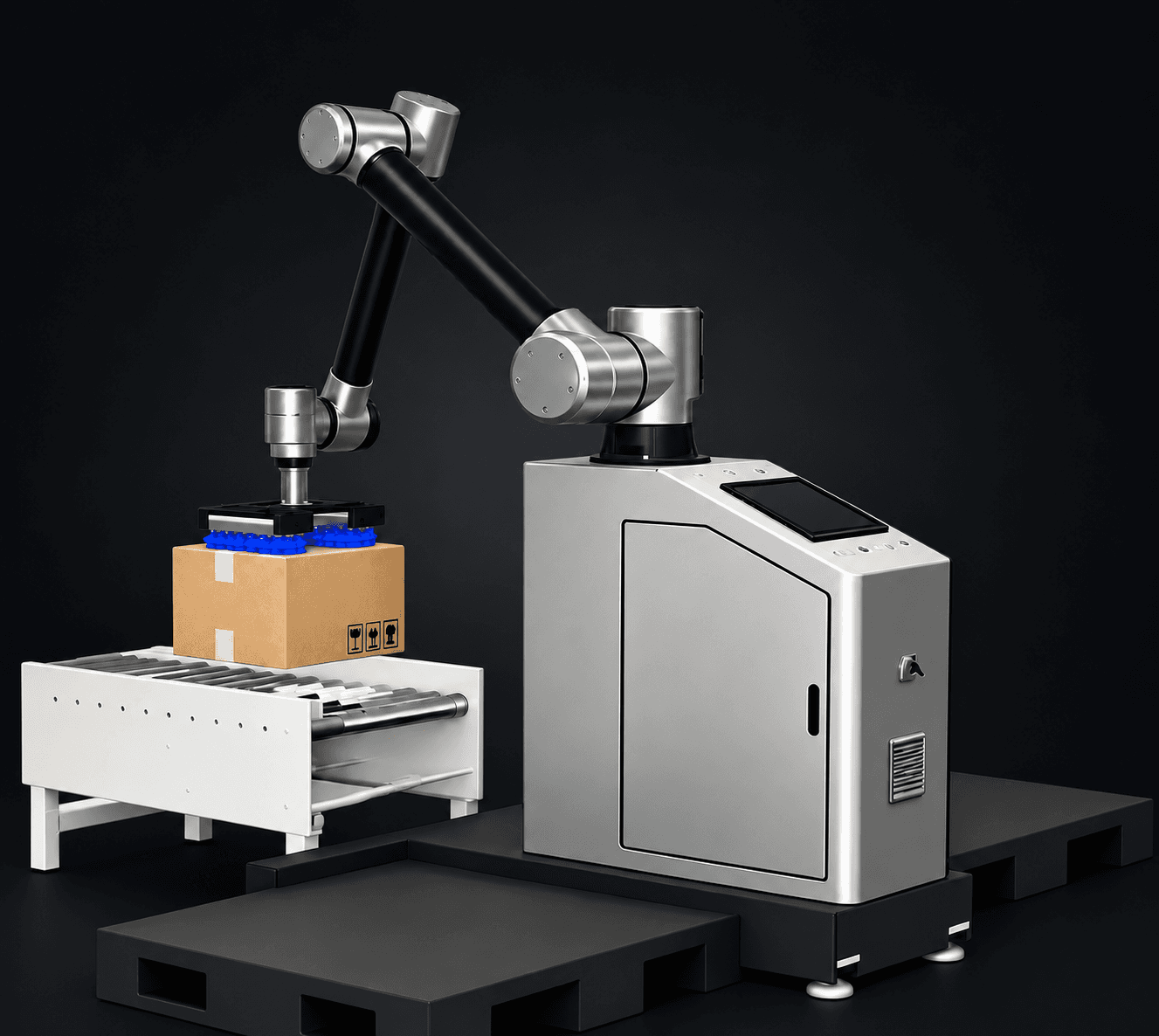
A 50 kg model does not provide more catalog arm reach than a 30 kg model: all four list 1,900 mm. An L model adds lifting, rather than changing the nominal payload class.
1. Select the payload class from the actual pickup
List the weight range of every carton, the number picked per movement, carton dimensions and pickup orientation. Include the proposed gripper in the engineering review, together with load position and motion requirements.
The 30 kg and 50 kg figures are catalog maximum-payload values. Do not interpret them as approval for every carton of that weight. The suitable product load depends on the complete tooling and operating conditions. Changing the payload class also does not establish a particular cartons-per-hour output.
2. Choose fixed base or lifting from the layout
CR30-1900 and CR50-1900 use fixed bases without lifting. CR30L-1900 and CR50L-1900 have a standard 500 mm lifting stroke, with customization subject to project review.
Check conveyor pickup height, pallet height, each layer and the tool clearance above the finished stack. The lifting stroke and the 1,900 mm arm reach describe different parts of the workstation. Neither figure alone determines the maximum stack height for a particular layout.
3. Compare all four catalog configurations
The table below reads from the same model data as the product pages. Open an individual model for its detailed parameters and drawing. Compare the configuration as well as the name: the L variants are listed as six-axis workstations, while the fixed variants are listed as five-axis workstations.
Use the dimensional drawing with your conveyor and pallet positions. Check the near and far corners and the access needed to exchange pallets. If a pickup or placement position cannot be reached with adequate clearance, selecting a higher nominal payload will not by itself resolve the layout.
| Model | Max. payload | Reach | Axes | Lifting stroke |
|---|---|---|---|---|
| CR30-1900 | 30 kg | 1,900 mm | 5 | Without lift |
| CR30L-1900 | 30 kg | 1,900 mm | 6 | 500 mm standard; customizable |
| CR50-1900 | 50 kg | 1,900 mm | 5 | Without lift |
| CR50L-1900 | 50 kg | 1,900 mm | 6 | 500 mm standard; customizable |
4. Turn a carton specification into a selection request
For example, a buyer planning a 25 kg carton line should provide carton size, proposed pickup arrangement, conveyor height, pallet pattern and target output. Those inputs allow the 30 kg and 50 kg options to be reviewed; carton weight alone cannot settle the choice.
For a mixed-SKU line, include the lightest and heaviest cartons and the smallest and largest sizes. Review pallet change, infeed spacing and tooling changes together with the planned motion. Keep the same assumptions when comparing proposals.
- Carton dimensions and minimum / maximum weight
- Single or multiple cartons per pickup and gripper concept
- Target cartons per hour and actual arrival spacing
- Conveyor height, pallet size, layer pattern and stack height
- Available space, pallet exchange and operator access
Related products and applications
CR collaborative palletizing workstations →
Review the complete CR range and model drawings.
Collaborative vs industrial palletizing →
Check whether a collaborative workstation is the right platform for the line.
CR50L lifting palletizing video →
Watch the lifting configuration and carton handling around the pallet area.
BR robotic case packing →
If the task is packing products into cases, review the dedicated BR workstations.
Match a workstation to your production line
Send product dimensions, weight range, target output, pallet details and a layout to discuss the model, tooling and integration scope for the actual task.